3. Steps for Using NSIS Packaging in VB.NET
3.1 Creating a New Project
Open Visual Studio. Select Windows Forms App (.NET). Create a new Windows Forms App (.NET framework) and named as DragDropView. Design a simple form with TextBox. Make few modification in the Textbox properties.
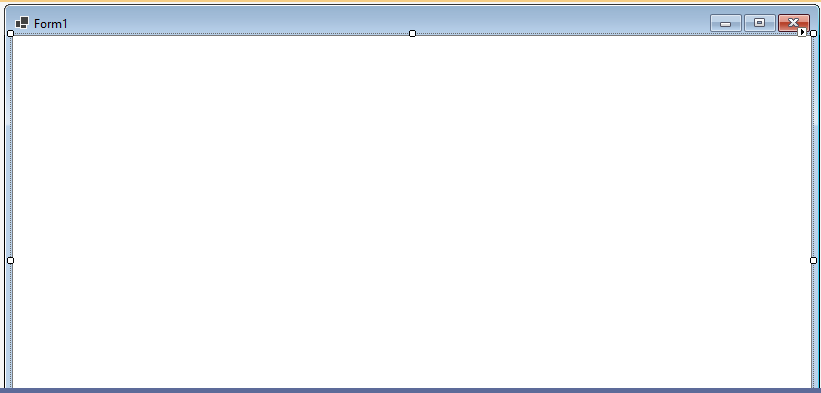
- Name: txtContent
- Multiline: True
- Dock: Fill
- AllowDrop: True
3.2 Code for (Form1.vb)
Public Class Form1
    Private Sub Form1_Load(sender As Object, e As EventArgs) Handles MyBase.Load
        Me.Text = "Text File Drag & Drop Viewer"
        txtContent.AllowDrop = True
    End Sub
    Private Sub txtContent_DragEnter(sender As Object, e As DragEventArgs) Handles txtContent.DragEnter
        If e.Data.GetDataPresent(DataFormats.FileDrop) Then
            e.Effect = DragDropEffects.Copy
        End If
    End Sub
    Private Sub txtContent_DragDrop(sender As Object, e As DragEventArgs) Handles txtContent.DragDrop
        Dim files() As String = CType(e.Data.GetData(DataFormats.FileDrop), String())
        If files.Length > 0 AndAlso IO.Path.GetExtension(files(0)).ToLower() = ".txt" Then
            txtContent.Text = IO.File.ReadAllText(files(0))
        Else
            MessageBox.Show("Please drop a .txt file only.", "Invalid File", MessageBoxButtons.OK, MessageBoxIcon.Warning)
        End If
    End Sub
End Class
3.3 Build the Project
To change into .exe file you want to build your project. Build your solution in Debug or Release mode. Find the .exe at your path location, for example: `DragDropViewer\bin\Debug\DragDropViewer.exe`.